
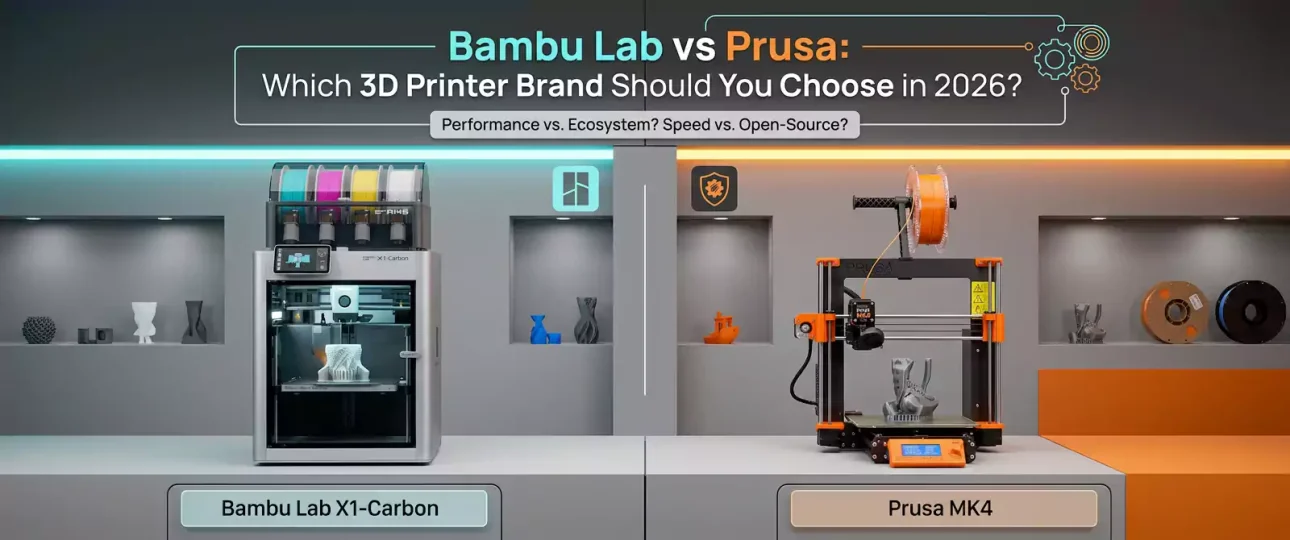
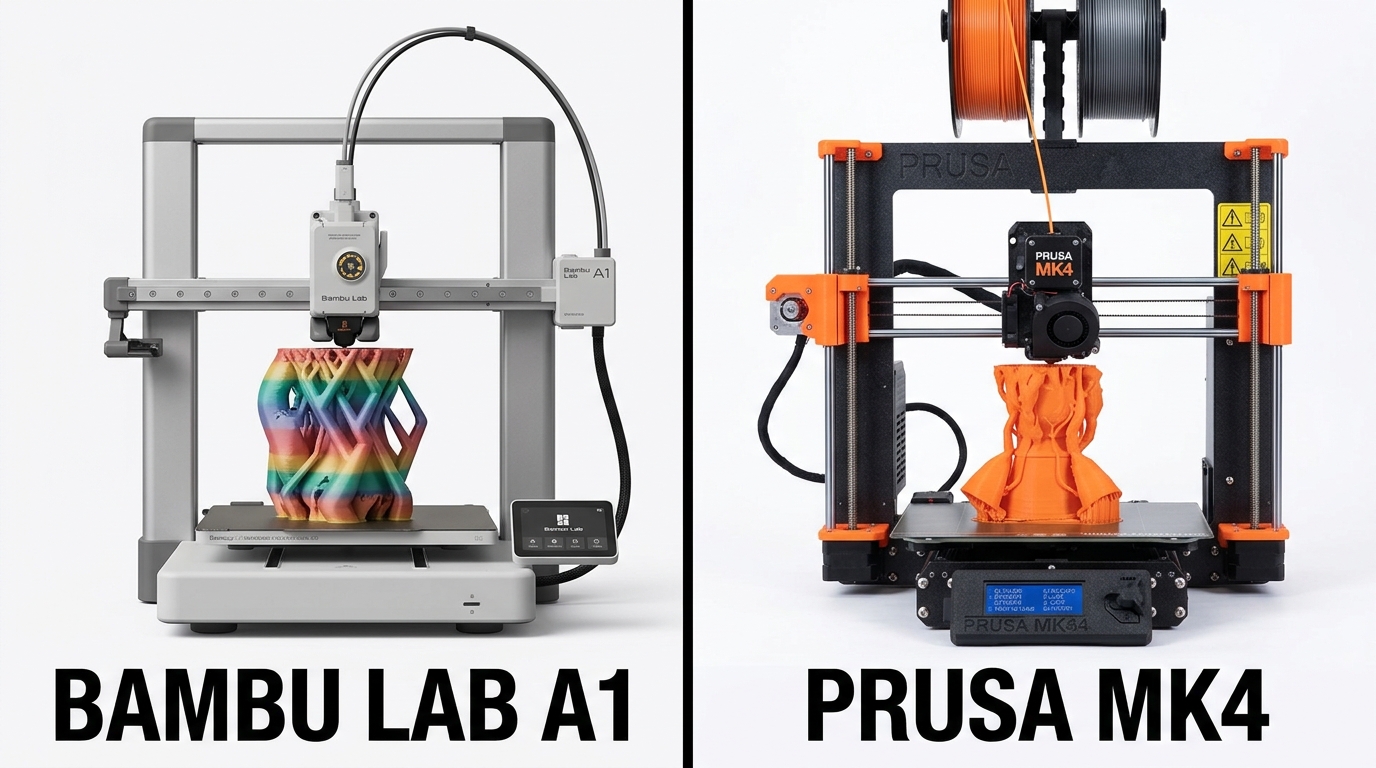
If you’re shopping for a new 3D printer in 2026, you’ve probably narrowed it down to these two names. Bambu Lab vs Prusa is one of the most common debates in the 3D printing community right now — and for good reason. Both make excellent machines, but they’re built around very different philosophies. Here’s how they actually compare.
Quick Verdict
-
- Choose Bambu Lab if you want speed, multi-color printing out of the box, and a more “plug and play” experience
-
- Choose Prusa if you want full open-source control, a machine you can repair and modify indefinitely, and a company with a long reputation for reliability and community support
Speed
Bambu Lab printers (the A1, A1 Mini, P1S, and X1C lines) are built around high-speed motion systems and were arguably the machines that pushed the entire 3D printing industry toward faster default print speeds. Prusa printers (the MK4 and MK3 lines) are comparatively slower out of the box, though the MK4 closed much of that gap compared to older Prusa generations.
Winner: Bambu Lab, by a clear margin on raw speed.
Print Quality
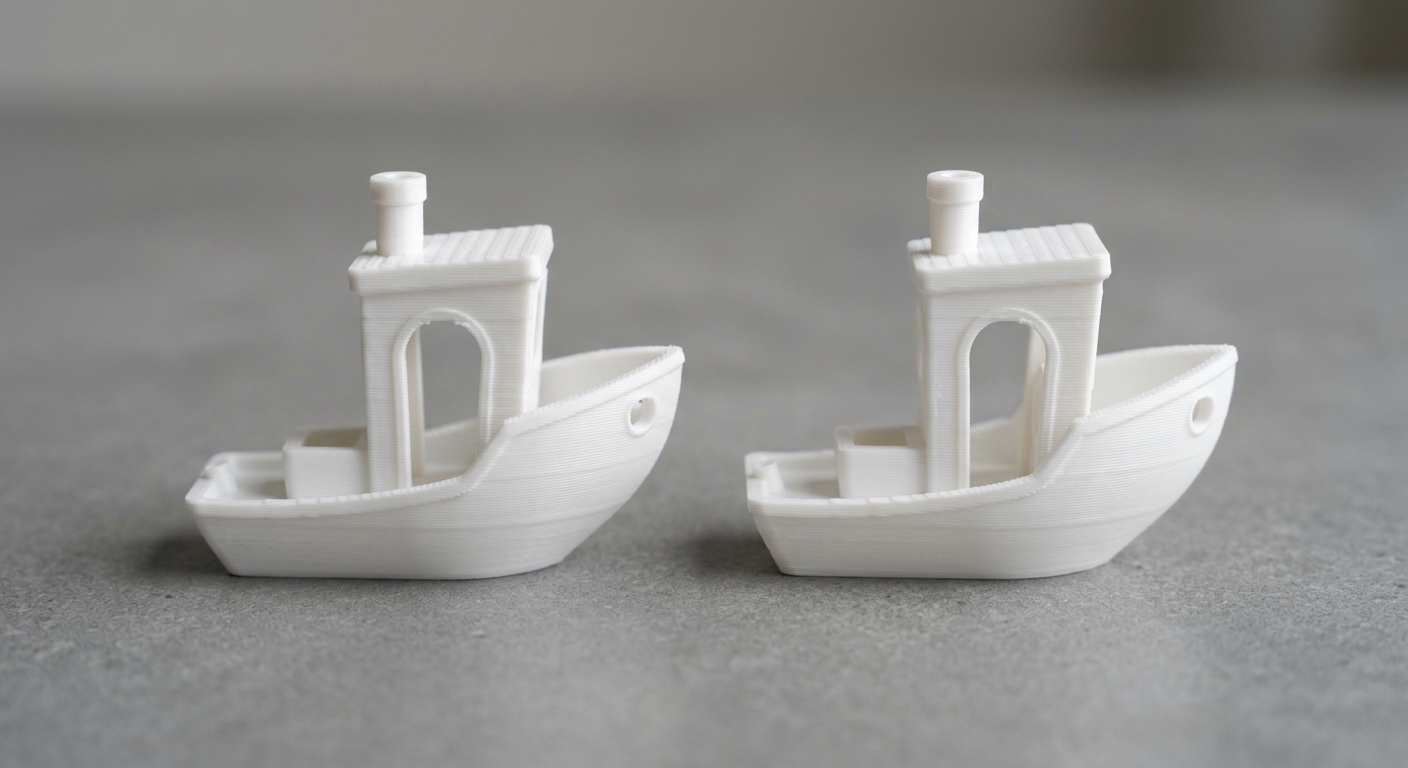
Both brands produce excellent, reliable prints when properly calibrated. Prusa has a long-standing reputation for exceptional first-layer consistency and dimensional accuracy, partly because of how mature and well-documented their calibration process is. Bambu Lab’s newer machines use automated calibration (flow, vibration compensation) that gets most users to high-quality prints faster, with less manual tuning.
Winner: Tie — Prusa edges out on precision for demanding technical parts; Bambu Lab edges out on ease of reaching good quality quickly.
Price
-
- Bambu Lab A1 Mini: budget-friendly entry point, among the cheapest well-reviewed printers on the market
-
- Bambu Lab A1 / P1S: mid-range, strong value for the feature set
-
- Prusa MK4 (kit or assembled): generally priced higher than Bambu Lab’s equivalent tier, reflecting its open-source hardware and in-house manufacturing (made in the Czech Republic)
Winner: Bambu Lab, for straight price-to-feature ratio.
Multi-Color and Multi-Material Printing
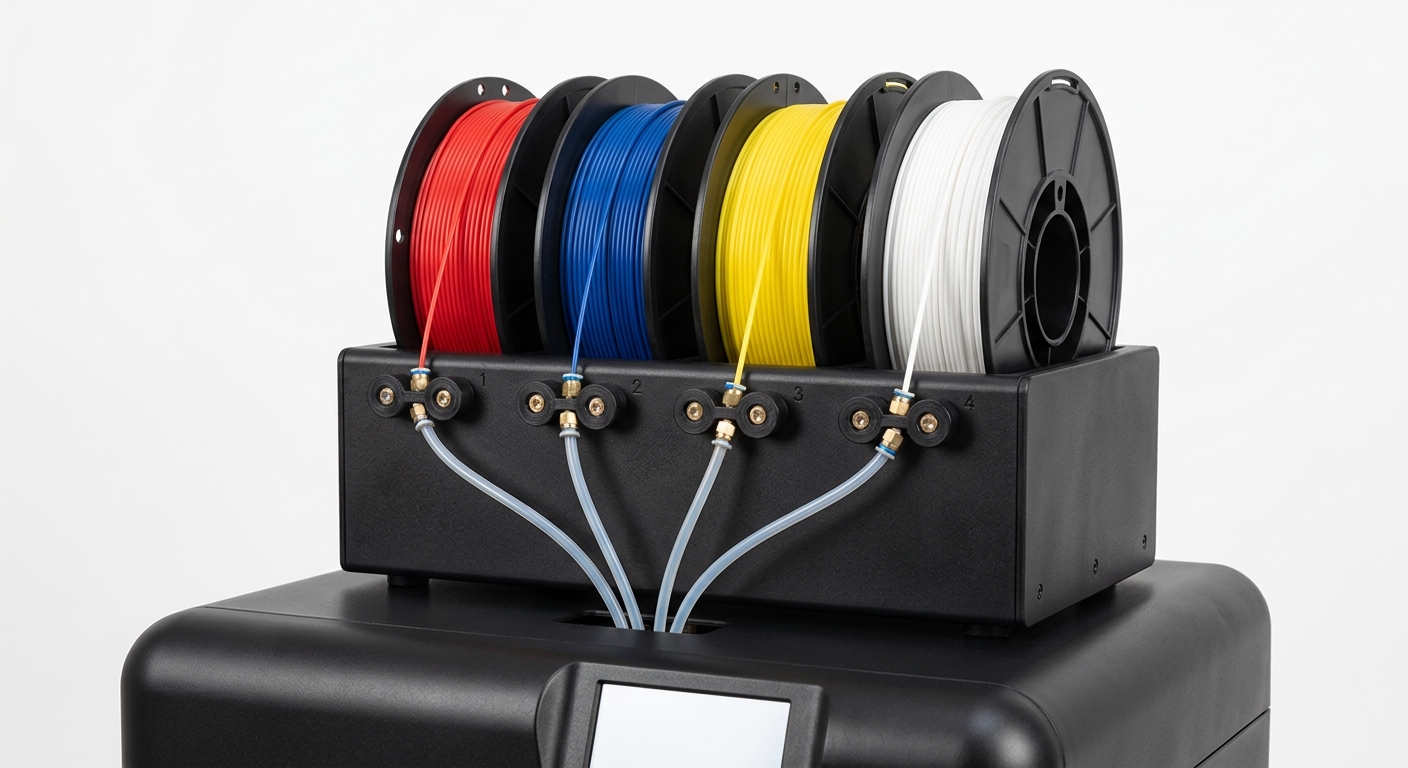
This is where Bambu Lab has a clear structural advantage: the AMS (Automatic Material System) is tightly integrated into the ecosystem and works well for multi-color prints out of the box. Prusa’s equivalent (MMU) has historically been more finicky and required more tuning, though Prusa continues to improve it with each hardware revision.
Winner: Bambu Lab
Openness, Repairability, and Longevity
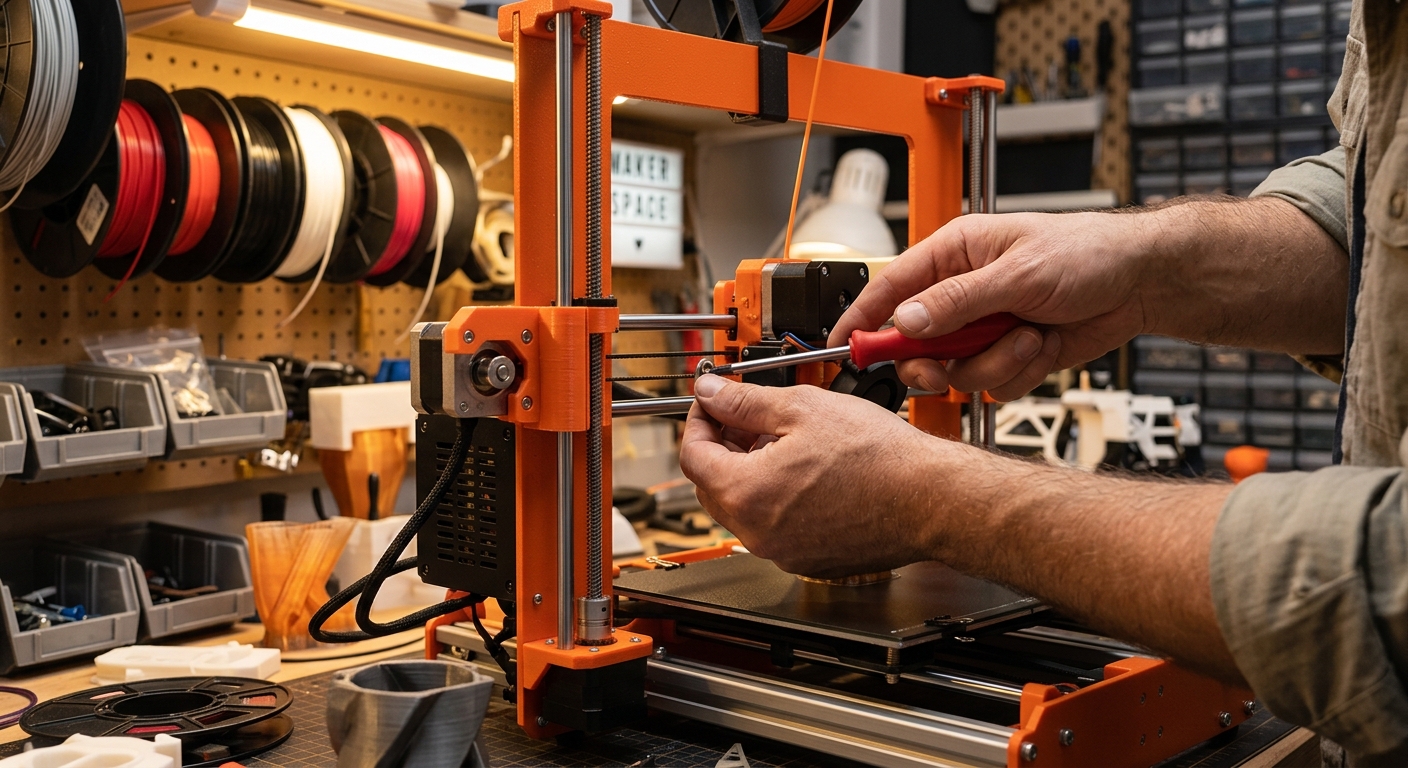
This is where Prusa pulls ahead for a specific type of buyer. Prusa printers are largely open-source (hardware and firmware), meaning parts are documented, replaceable, and the printer isn’t tied to a single company’s ecosystem or cloud service. Bambu Lab’s ecosystem is more closed — great when everything works, more limiting if you want to deeply modify the machine or if the company changes its cloud/firmware policies down the line.
Winner: Prusa, for anyone who wants a printer they fully control long-term.
Community and Support
Both have large, active communities. Prusa’s community has had over a decade to mature, with extensive documentation, forums, and third-party mod ecosystems. Bambu Lab’s community is younger but has grown extremely fast, with strong presence on Reddit, Discord, and YouTube, plus responsive official support.
Winner: Tie
Bambu Lab vs Prusa: Which Should You Actually Buy?
| Your Priority | Recommended Brand |
|---|---|
| Fastest prints, best value for money | Bambu Lab |
| Easiest multi-color printing | Bambu Lab |
| Full hardware control / open source | Prusa |
| Best for a beginner who wants it to “just work” | Bambu Lab |
| Best for a tinkerer who wants to modify everything | Prusa |
| Best for printing detailed miniatures and STL files reliably | Either — both handle detailed models well once dialed in |
Slicer Note: PrusaSlicer vs Cura vs Bambu Studio
Since the printer choice also determines your default slicer: Prusa printers use PrusaSlicer (also compatible with Cura), while Bambu Lab printers use Bambu Studio (based on the same open-source core as OrcaSlicer). If you’ve already read our Orca Slicer vs Cura comparison, the same underlying logic applies here — Bambu Studio/OrcaSlicer tend to offer more modern calibration tools, while PrusaSlicer/Cura have the longer track record and wider community tutorials.
Final Thoughts
There’s no universally “better” printer here — just a better fit for your priorities. If you want the fastest path to good prints with minimal fuss, Bambu Lab wins. If you want a machine you’ll still be repairing and modifying five years from now, backed by an open-source philosophy, Prusa wins. Whichever you choose, printing high-quality, well-optimized STL files matters just as much as the printer itself — a poorly modeled file will underperform on either machine.
Browse ready-to-print, pre-supported STL files for both FDM and resin setups at STLSpecial.