
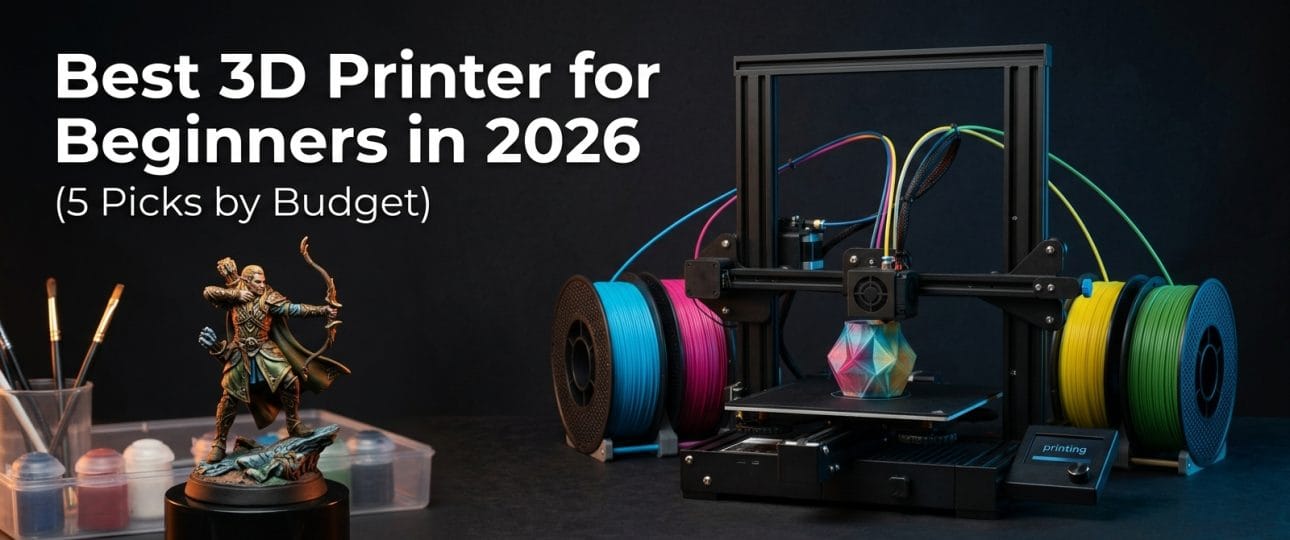
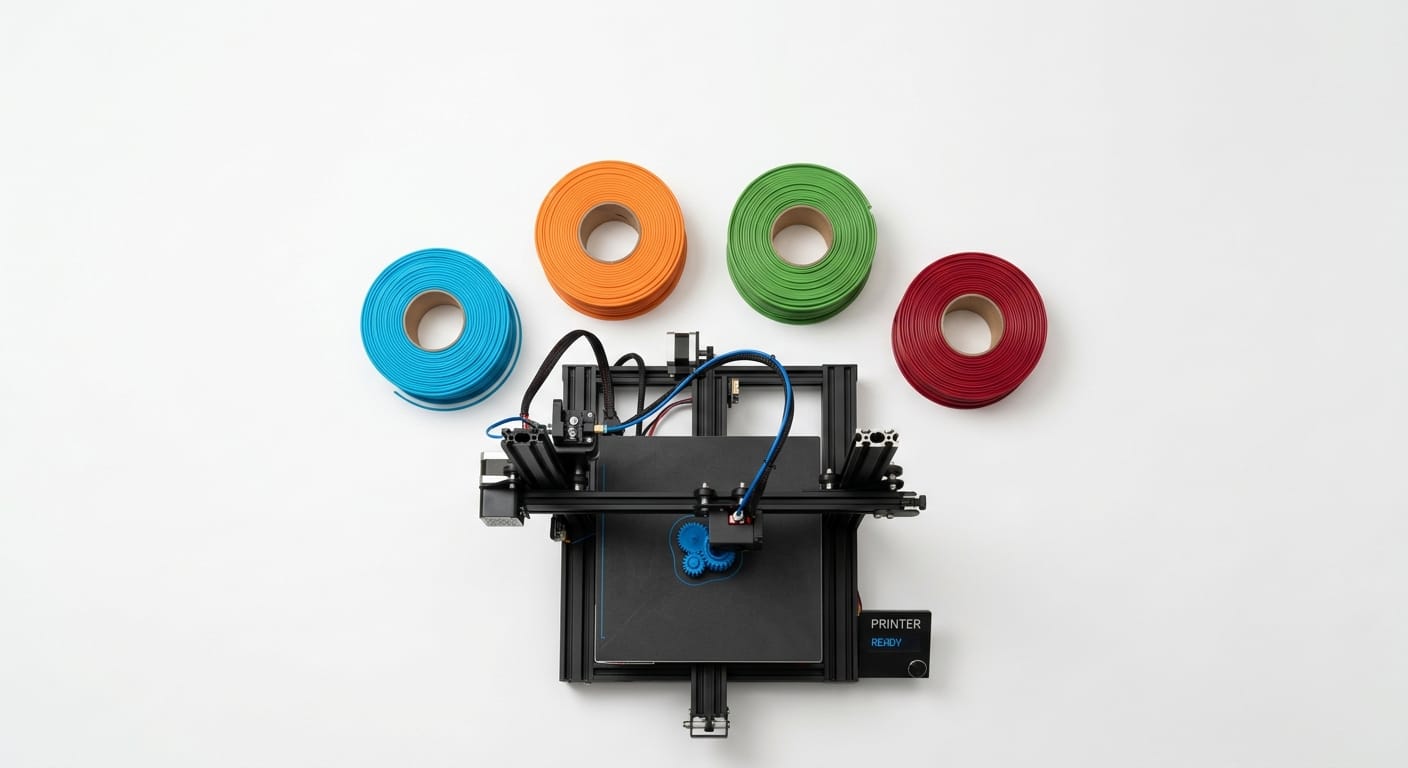
Buying your first 3D printer is overwhelming — dozens of brands, confusing specs, and wildly different prices for machines that all claim to be “beginner-friendly.” Here’s a straightforward breakdown of the best 3D printer for beginners in 2026, organized by budget, so you can pick with confidence.
What Actually Matters for a Beginner Printer
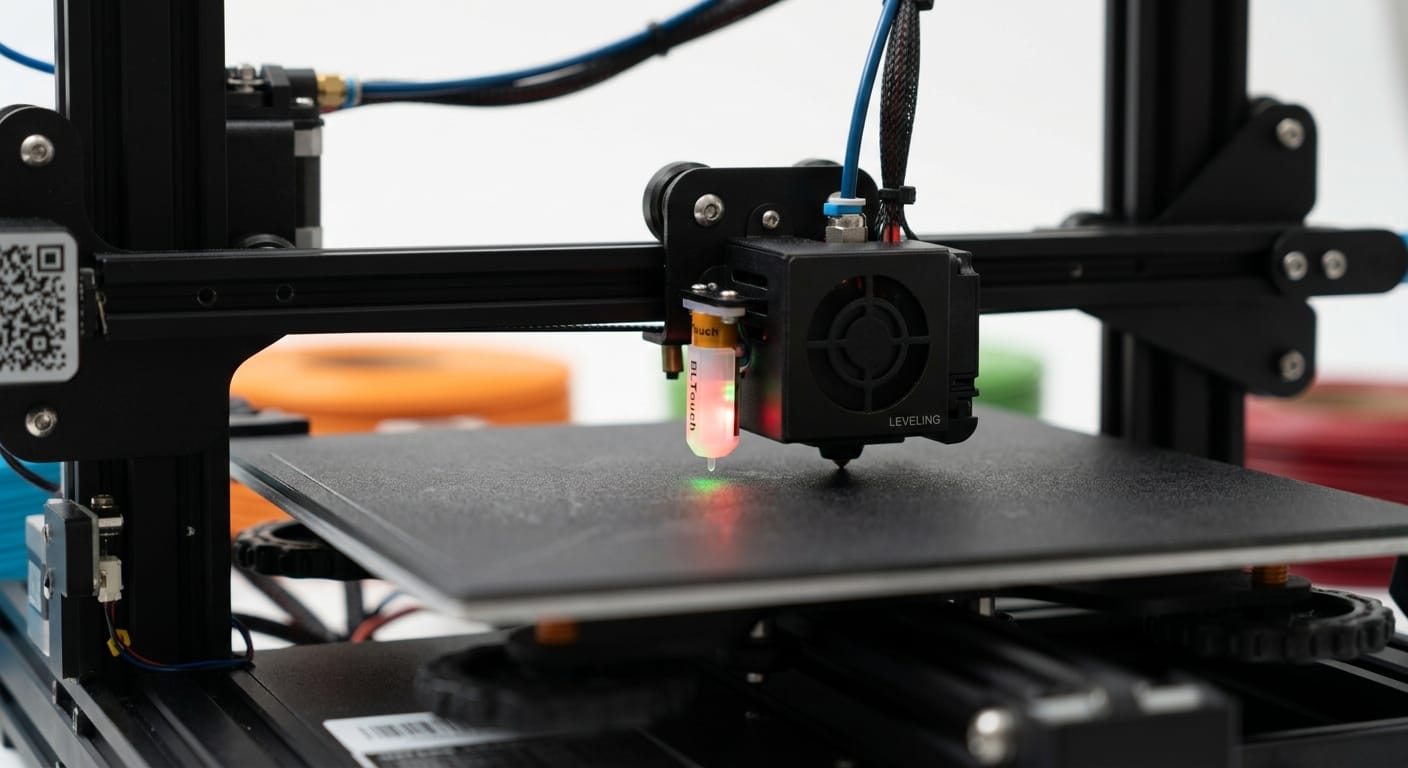
Before the picks, here’s what to actually prioritize — most beginners overspend on specs they don’t need yet:
- Auto bed leveling: removes the single most common source of beginner frustration
- Good community/documentation: you will have questions; a printer with an active community gets you answers fast
- Enclosed vs open frame: open frame is fine for PLA/PETG (most beginner printing); only matters if you plan to print ABS/ASA soon
- Build volume: bigger isn’t always better for a first printer — most beginner projects (miniatures, small functional parts, fidgets) don’t need a huge bed
Best 3D Printers for Beginners by Budget
Best Under $300: Budget-Friendly Entry Point
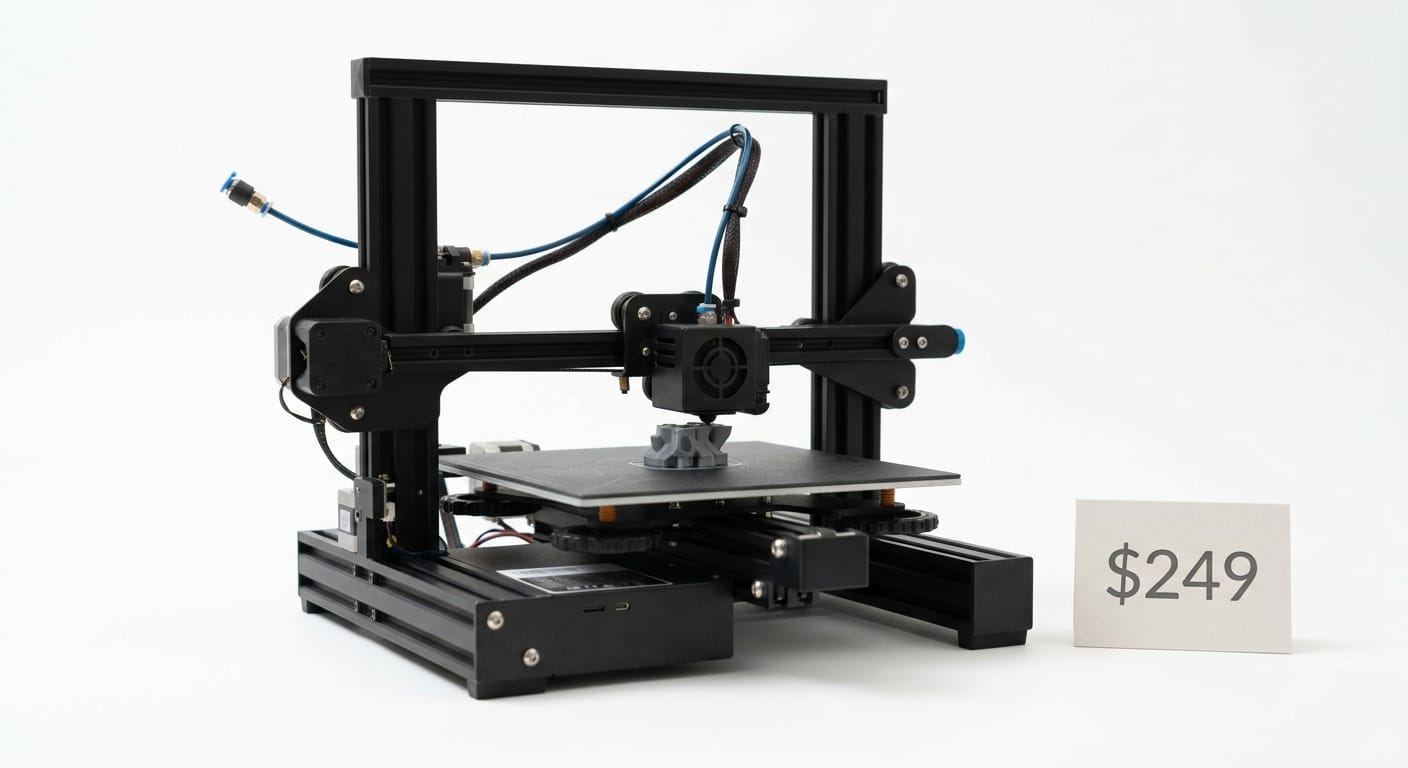
A sub-$300 printer with auto bed leveling is the sweet spot for testing whether 3D printing is for you without a big financial commitment. Look for models with:
- Auto bed leveling (non-negotiable at this price point in 2026)
- Direct drive extruder (better for flexible/varied filaments than older Bowden setups)
- Active community support (Reddit, Discord, YouTube tutorials)
Best Around $300–$500: The Sweet Spot for Most Beginners
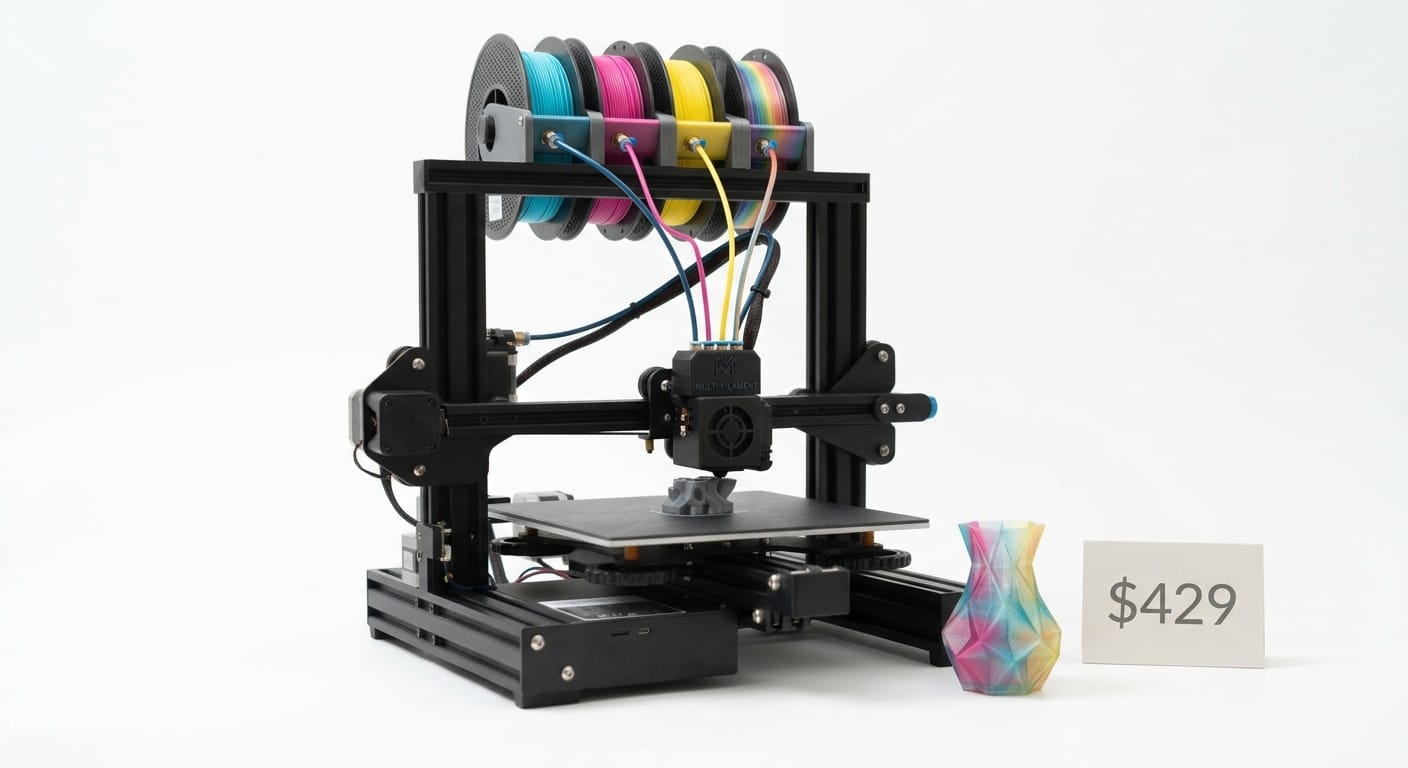
This is where most first-time buyers should actually land. At this price, you get meaningfully better reliability, faster print speeds, and often a multi-color option (like an entry-level AMS-style system). The Bambu Lab A1 Mini sits in this range and has become one of the most recommended first printers specifically because of its automated calibration — it removes most of the manual tuning that used to be the biggest barrier for beginners.
Best $500–$800: If You Want Room to Grow
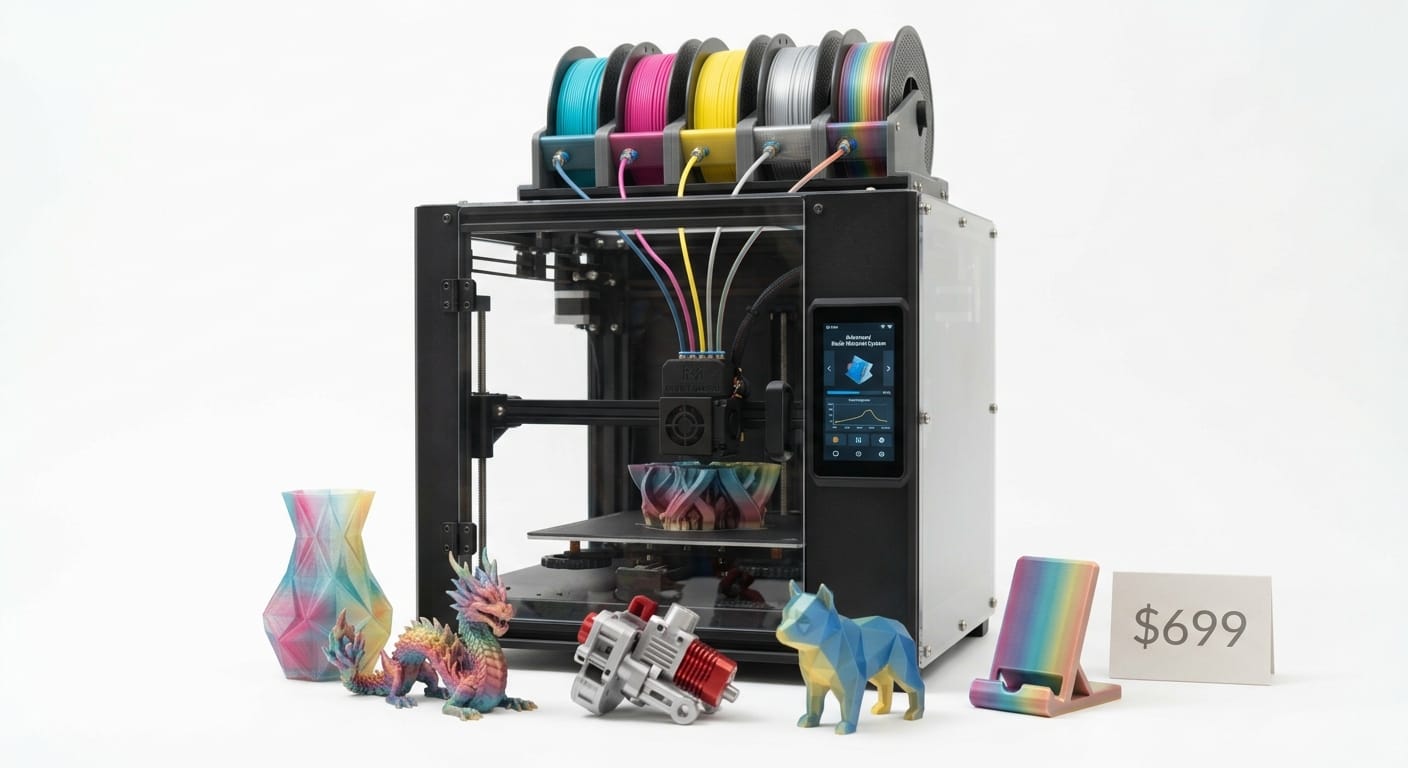
At this tier, you’re getting faster print speeds, larger build volumes, and often integrated multi-material systems. Worth considering if you already know you’ll be printing frequently, want to sell prints, or plan to grow into more advanced projects (larger props, cosplay pieces, batch printing).
Best Resin Printer for Beginners (If Miniatures Are Your Focus)
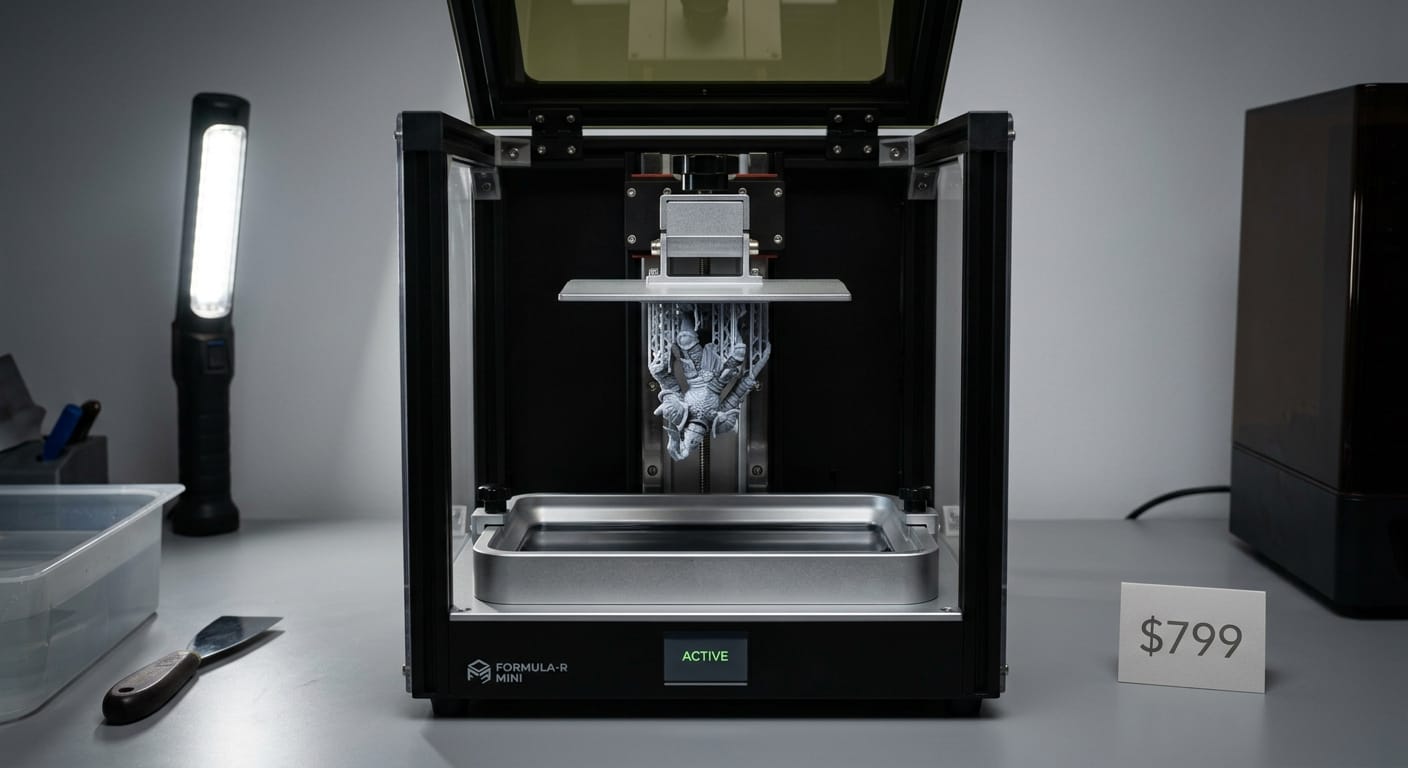
If your primary interest is highly detailed miniatures rather than functional parts, a budget resin printer (sub-$300) will outperform any FDM printer on detail — resin printing captures fine facial features, textures, and small details that FDM simply can’t match at a comparable price. The tradeoff is more post-processing (washing, curing) and stronger-smelling materials that need ventilation.
Common Beginner Mistakes to Avoid
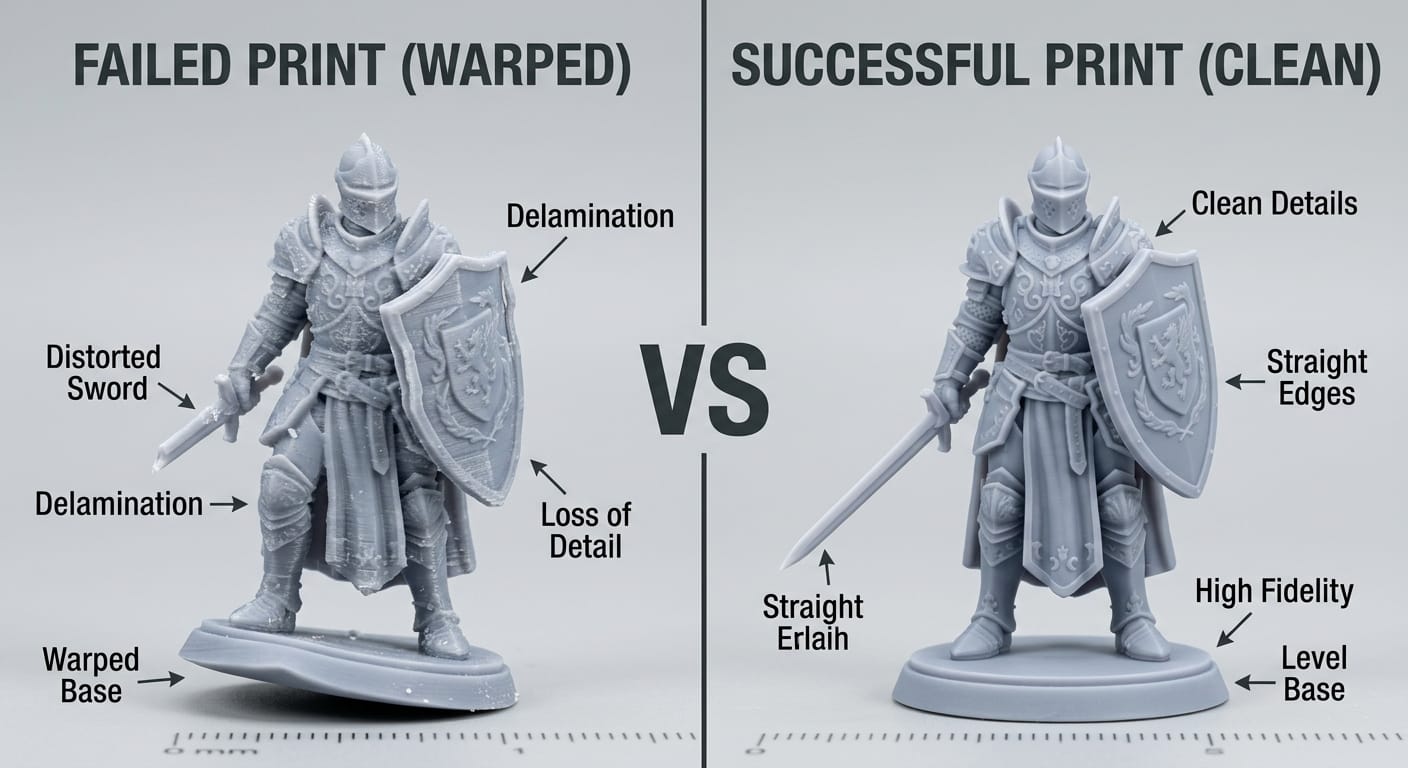
- Buying the biggest build volume “just in case” — most first projects are small; a bigger bed means a bigger investment and more to calibrate
- Skipping auto bed leveling to save money — this alone causes more failed first prints than any other factor
- Not budgeting for filament and accessories — set aside at least $30–$50 for a couple of filament spools, a scraper, and basic tools beyond the printer itself
- Ignoring community size — a printer with a small user base means fewer tutorials, forum answers, and replacement part sources when you need them
What to Print First
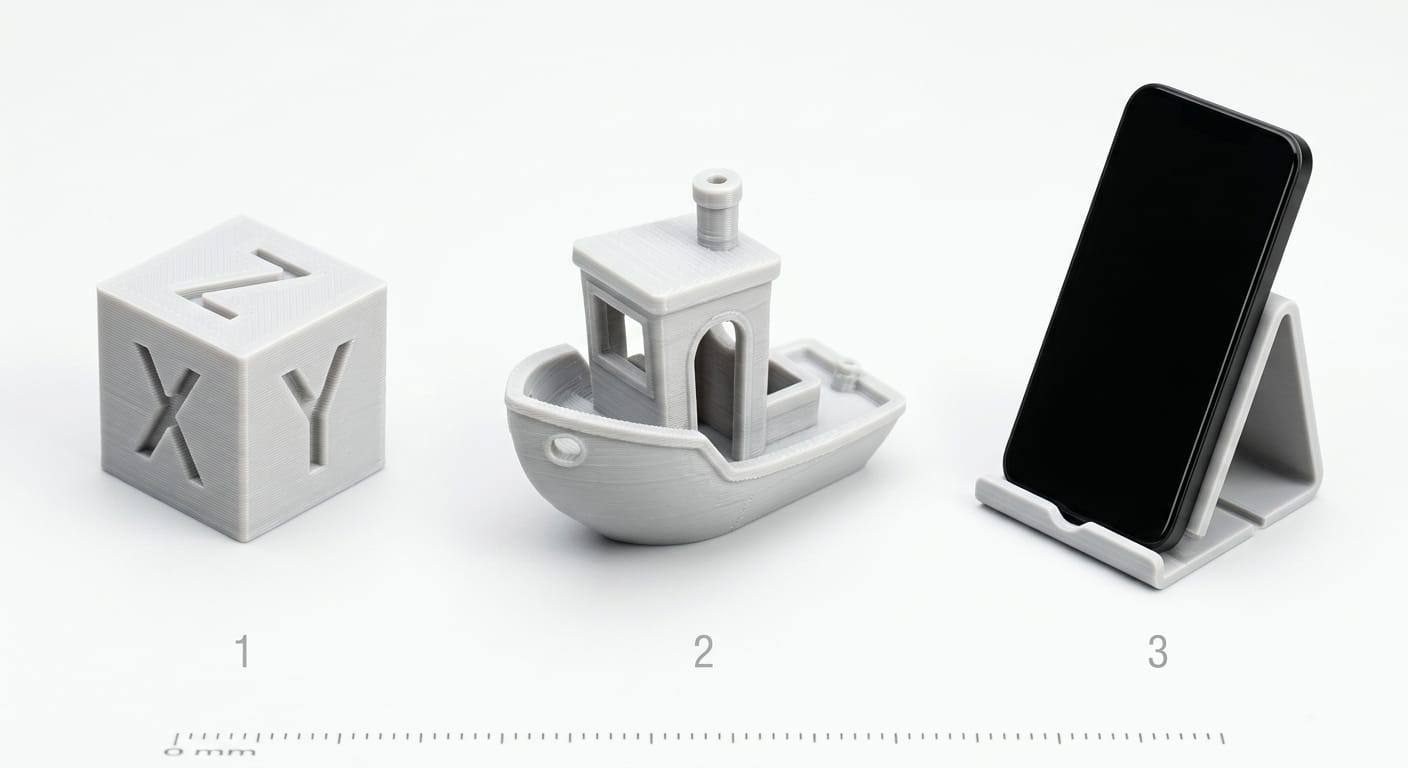
Once you’ve got your printer, start with recognized “calibration-friendly” prints before jumping into your ambitious project:
- A calibration cube or temperature tower (dial in your settings)
- The classic 3D Benchy boat (tests multiple print characteristics at once)
- A simple, low-detail object like a phone stand or keychain
- Then move on to more detailed prints — miniatures, articulated models, functional parts
Where to Get Files for Your First Prints
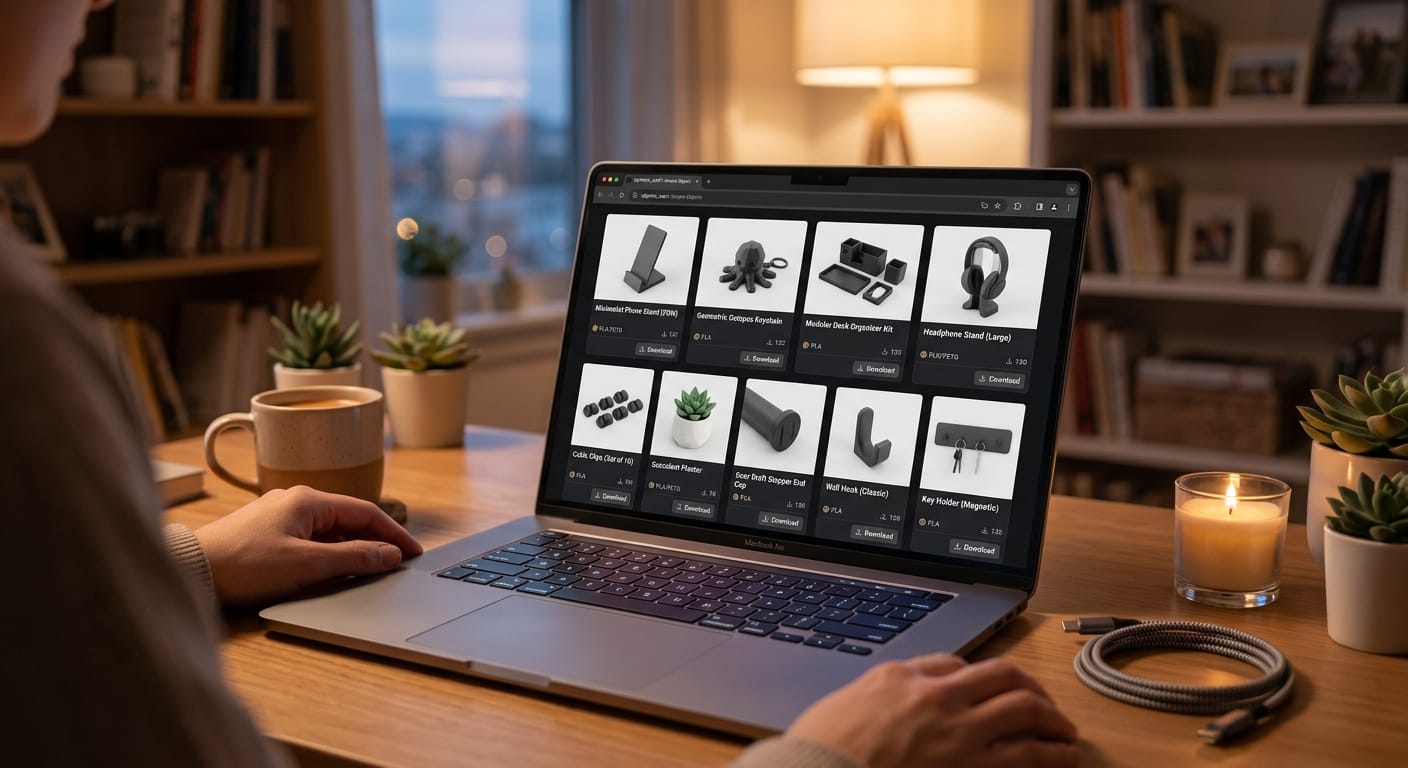
Once your printer is dialed in, the fastest way to get good early results is starting with well-optimized, pre-supported STL files rather than complex free downloads that may need cleanup. Browse beginner-friendly, ready-to-print files at STLSpecial.
Final Thoughts
For most beginners in 2026, a printer in the $300–$500 range with auto bed leveling and automated calibration offers the best balance of ease-of-use and capability. Start there, learn your machine on simple prints, and upgrade your skills (and eventually your printer) as your projects get more ambitious.