
Description
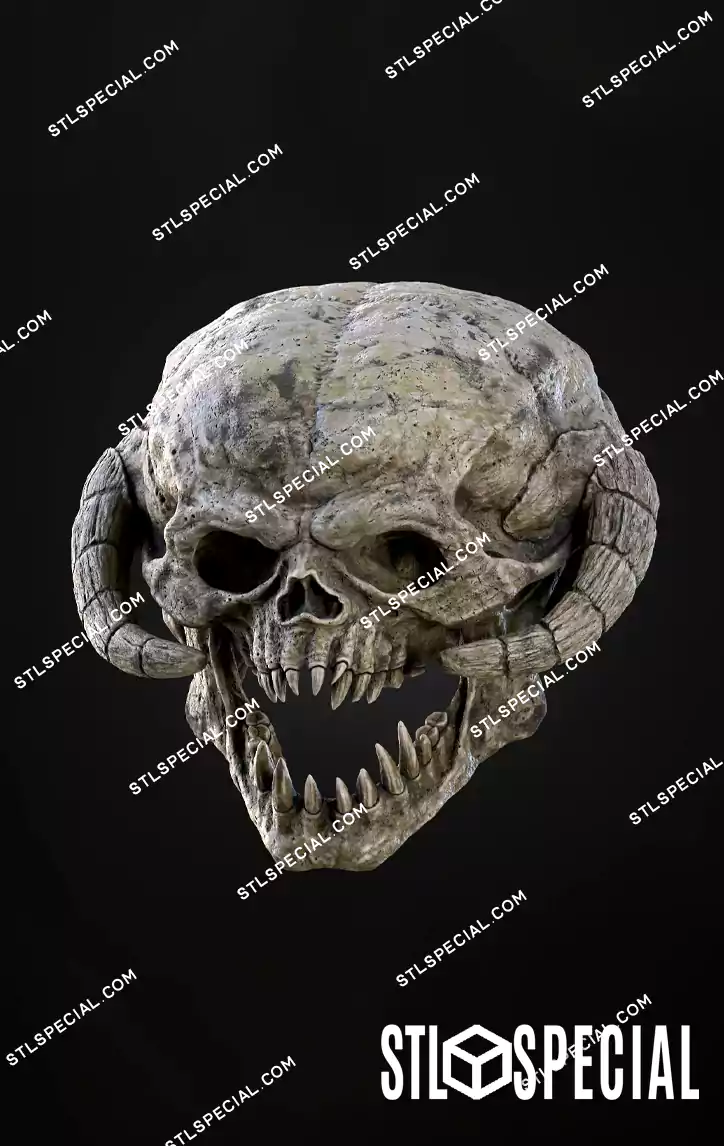
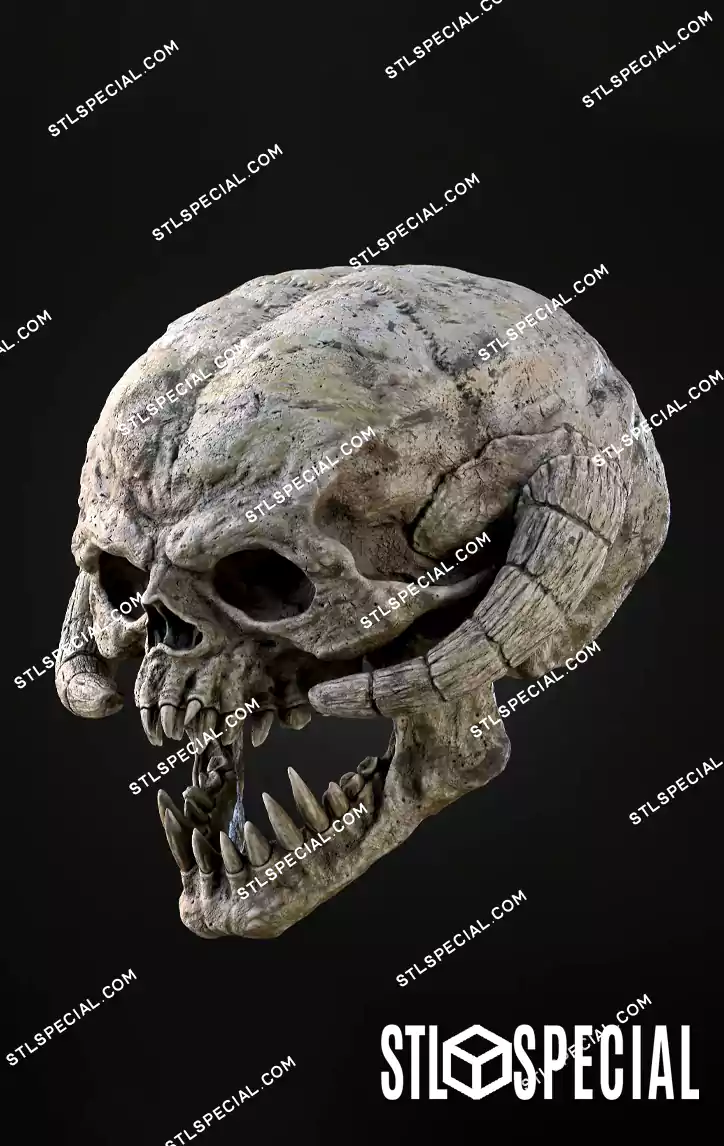
Bring the terrifying creatures of the Star Wars universe into your collection with this incredibly detailed Wampa Skull STL & 3MF 3D Model. Inspired by the fearsome ice-dwelling predators of the frozen planet Hoth, this impressive skull captures the brutal appearance of one of the most recognizable monsters from the Star Wars saga.
The Wampa is a powerful, carnivorous creature known for its immense strength, thick white fur, and deadly claws. Featured in Star Wars: The Empire Strikes Back, this legendary monster became an unforgettable part of the franchise when Luke Skywalker encountered one in the icy wilderness of Hoth.
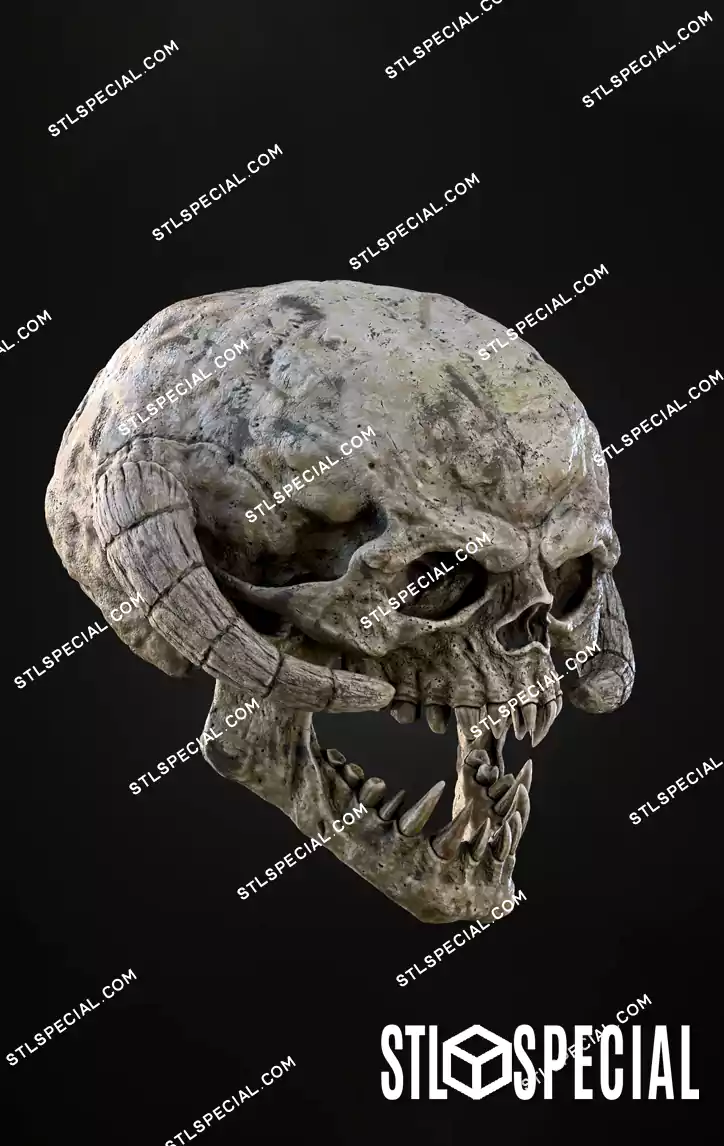
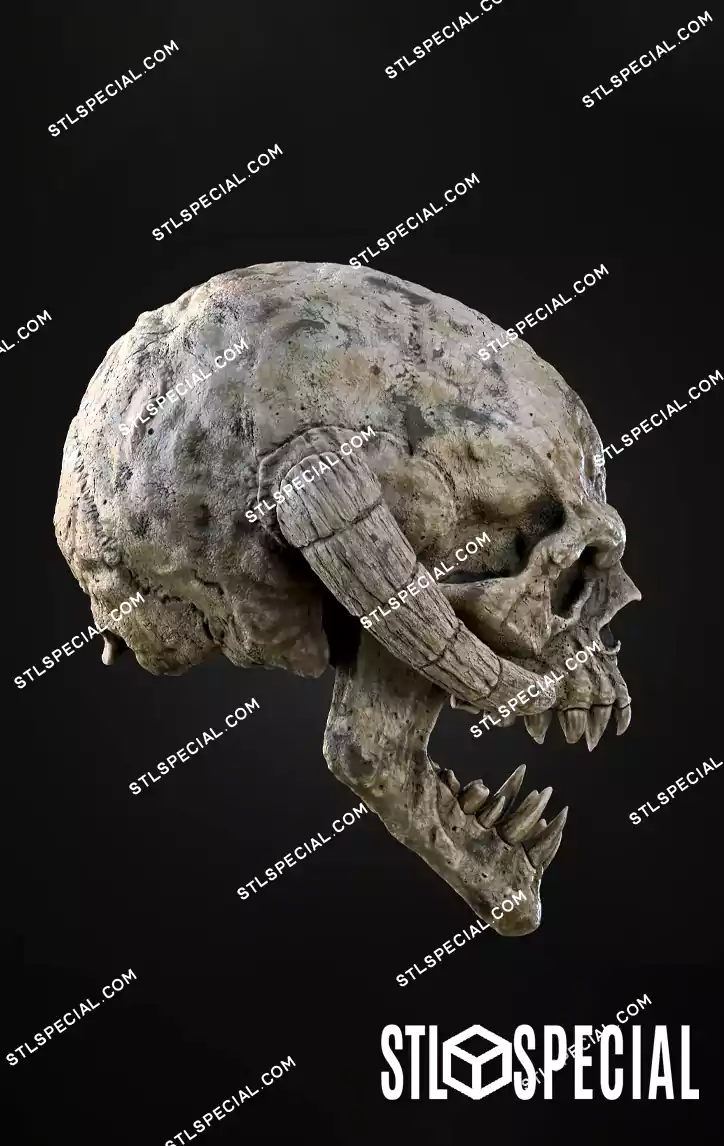
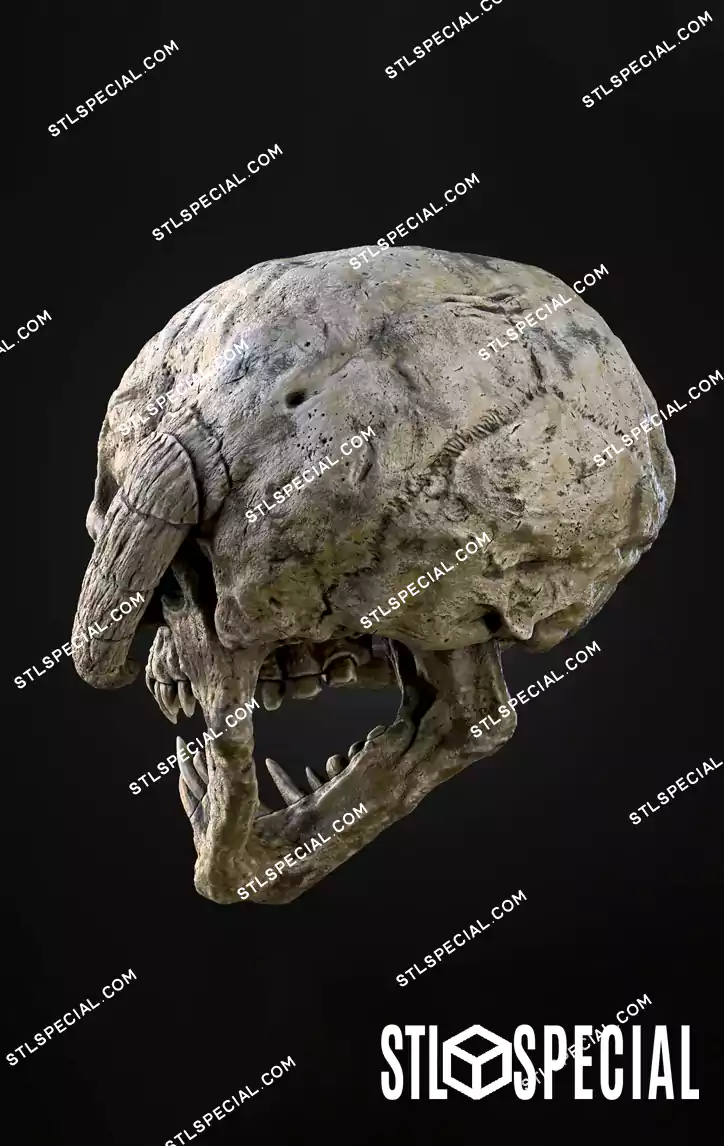
This 3D printable Wampa Skull recreates the creature’s intimidating skeletal appearance with remarkable detail. Its massive cranium, deep eye sockets, prominent curved horns, jagged teeth, and powerful jaw structure create a striking prehistoric and alien-inspired aesthetic.
The skull features a realistic, weathered bone texture, making it an excellent choice for collectors who appreciate Star Wars creatures, monster anatomy, fantasy skulls, and science-fiction collectibles.
Designed as a multi-part 3D model, the Wampa Skull allows individual components to be printed separately before assembly. The included STL and 3MF formats provide flexibility for different 3D printing workflows.
Whether you’re creating a Star Wars-themed display, decorating a gaming room, building a science-fiction collection, or searching for a unique monster skull to print and paint, this model makes an impressive centerpiece.
Files Included
-
Wampa Skull STL Files: Digital 3D models for compatible slicing software.
-
Wampa Skull 3MF Files: Alternative 3D printing format.
-
Multi-Part Components: Separate pieces designed for printing and assembly.
-
Detailed Skull Design: A monstrous skull featuring large curved horns, sharp teeth, and a rugged bone structure.
“Enjoy instant access after purchase—no waiting required!
This is a digital download of a 3D STL file for 3D printers; no physical product will be shipped.
After completing your purchase, you’ll receive an email with a link to download your file (be sure to check your spam folder). Alternatively, you can access it through your customer account by navigating to Your Account > Order History > Data and clicking on the item name to download the file.
IMPORTANT: You will download a zipped text or PDF file containing the product’s Google Drive download link. To extract RAR files, use WinRAR.”


















Reviews
There are no reviews yet.